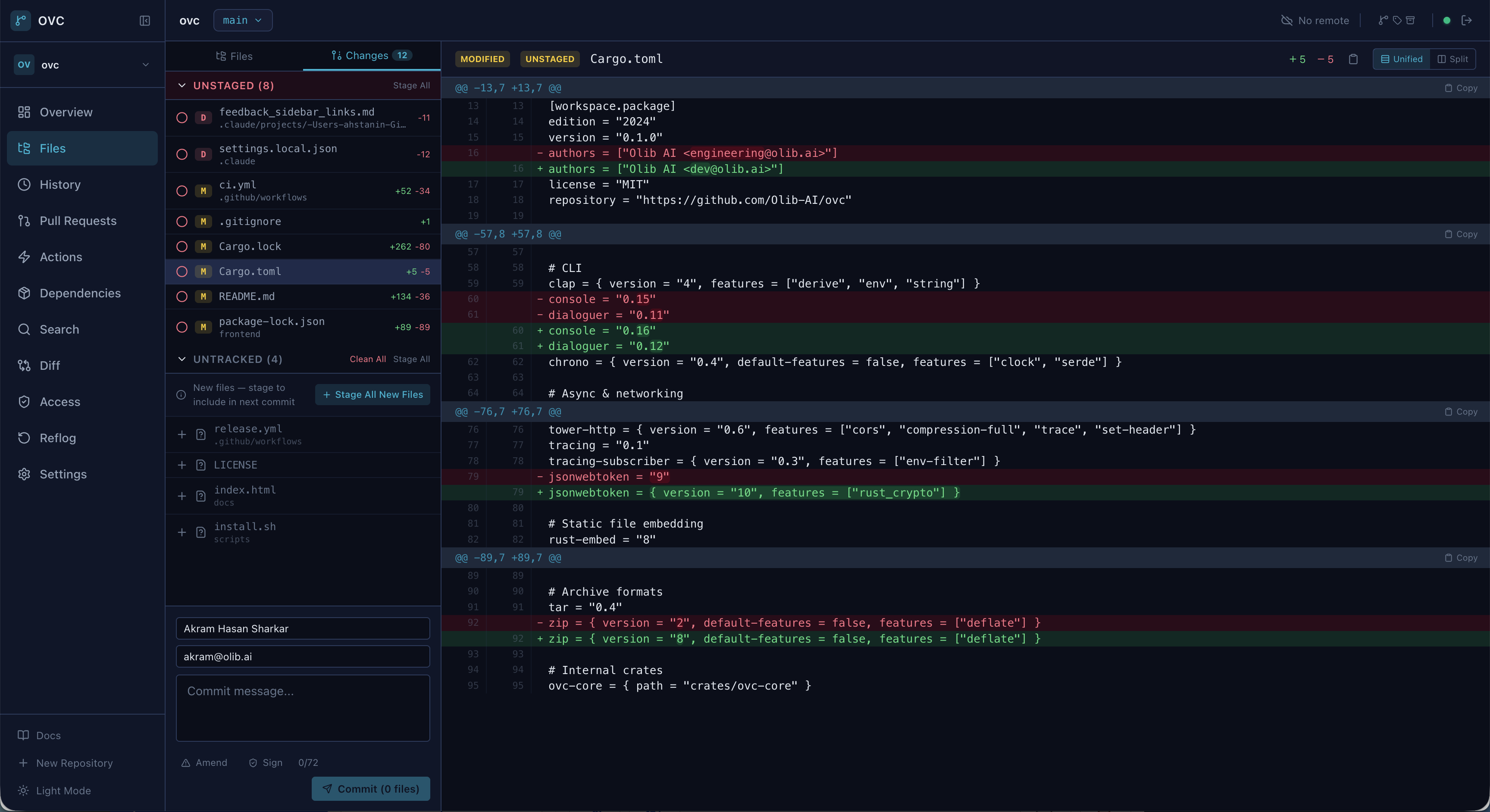
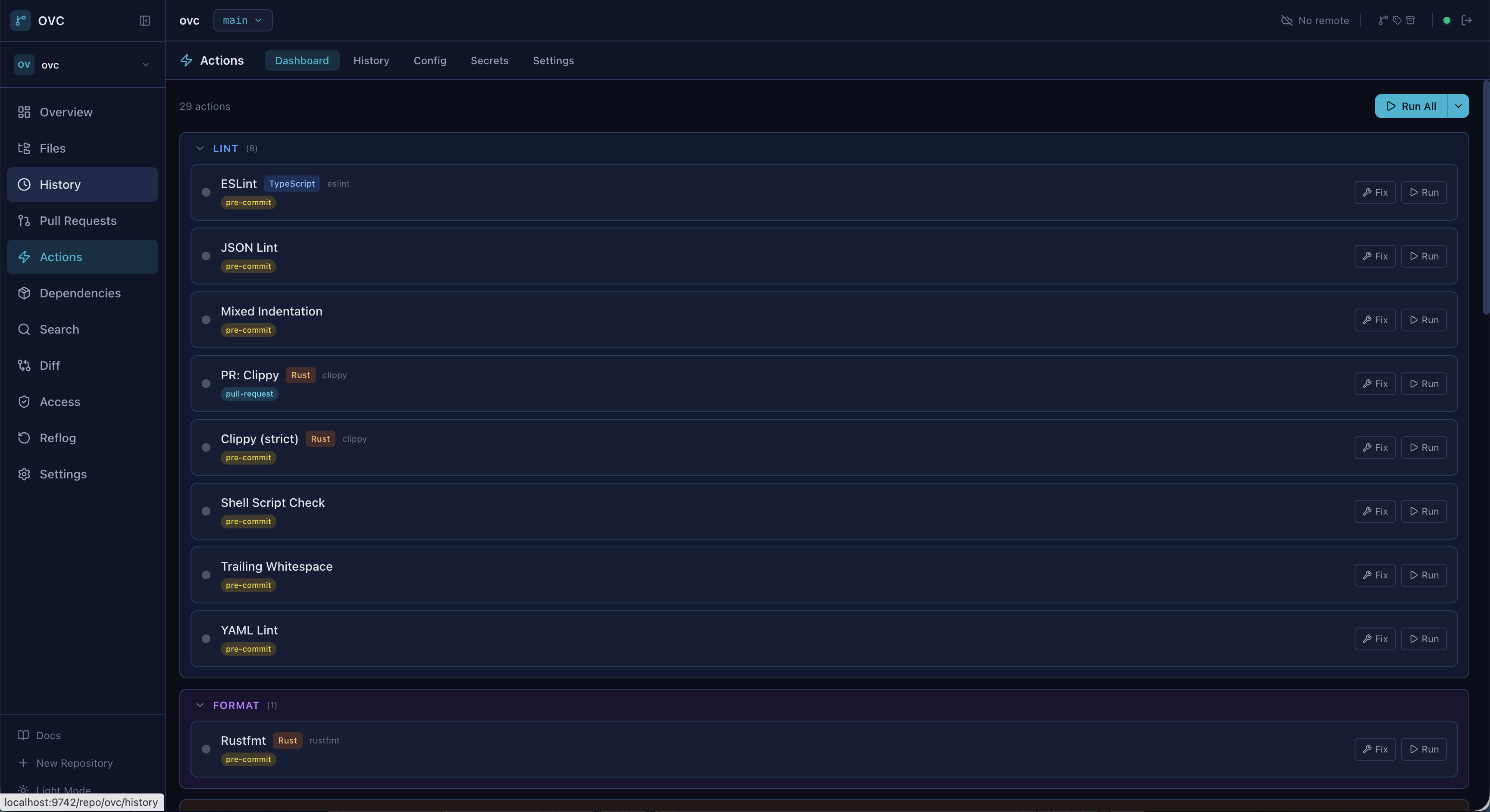
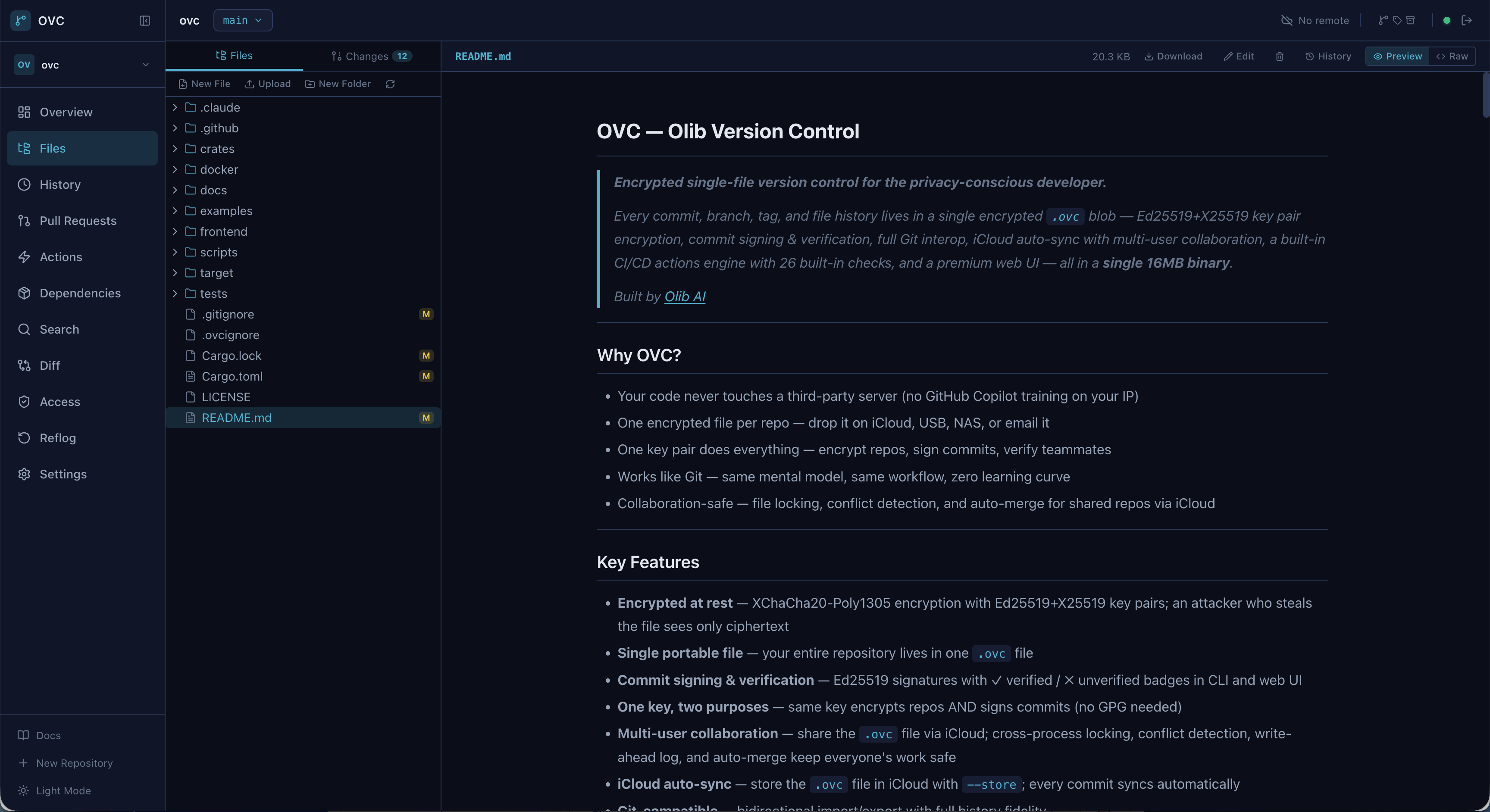
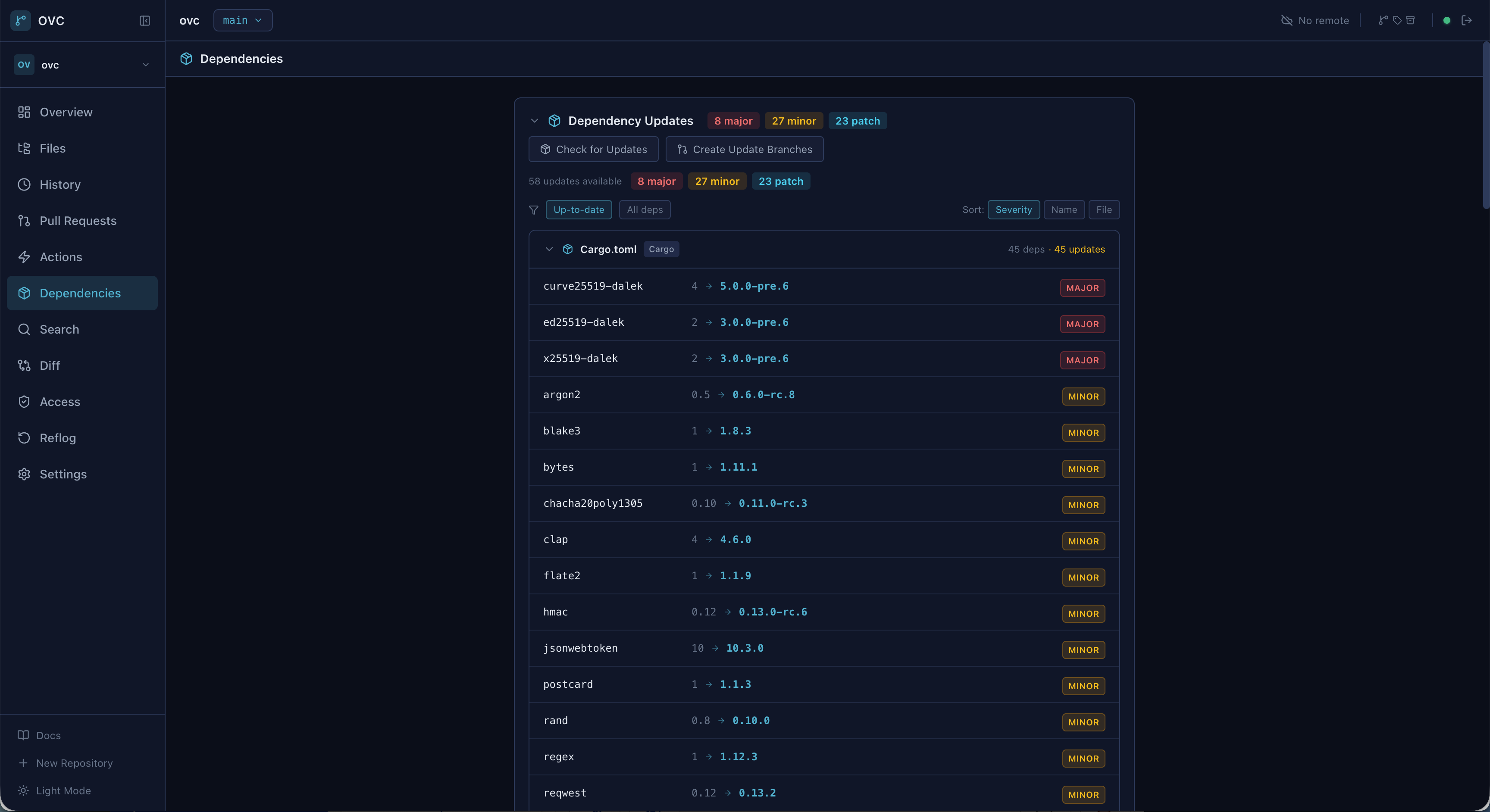
Every repository is a single encrypted file you can store on any cloud, NAS, or USB drive. Use encrypted single-file repositories through a native desktop app, the browser UI, or the CLI. The desktop app includes its local service and is ready after installation.
Windows: irm https://raw.githubusercontent.com/Olib-AI/ovc/main/scripts/install.ps1 | iex
· Build from source
The native app includes the OVC service and complete interface. No CLI, daemon, or manual server setup is required.
Prefer the terminal? The CLI remains available for local workflows, automation, and servers. View CLI setup.
No server to manage. No SaaS dependency. One portable file per repository, encrypted with keys you control.
XChaCha20-Poly1305 with Ed25519+X25519 key pairs. An attacker with the file sees only ciphertext.
Your entire repo, including code, branches, tags, and history, lives in one .ovc file you can drop anywhere.
Ed25519 signatures on every commit. Verified/unverified badges in CLI and web UI. No GPG needed.
28 built-in checks, parallel DAG execution, matrix strategy, secrets vault, Docker support. No external tools.
Bidirectional import/export with full history fidelity. Same workflow you already know.
Share via cloud storage with file locking, conflict detection, auto-merge. Per-user roles and branch protection.
Content-defined chunking via FastCDC. Only changed parts transfer. Supports iCloud, GCS, NAS, and more.
Install on macOS, Windows, or Linux. The local service and complete interface are included.
AI-powered commit messages, PR review, and diff explanation via any local model. Multi-pass pipeline handles diffs of any size.
Use the same repository format from the terminal or host the embedded React UI in a browser.
The desktop app opens the embedded React UI in the operating system webview. Browser access remains available through the CLI server.
Generate a key pair, create an encrypted repository, and start committing. Same workflow as Git.
One Ed25519+X25519 key pair encrypts repos and signs commits. No GPG, no separate keys.
ovc key generate --name mykey \
--identity "you@email.com"
Initialize an encrypted .ovc file. Optionally store it on any cloud for automatic sync.
ovc init --name project.ovc \
--key mykey
Stage, commit, branch, and merge with the familiar Git workflow, fully encrypted.
ovc add .
ovc commit -m "initial commit"
ovc log --oneline --graph
Every .ovc file is encrypted by default. Constant-time auth, secret zeroization, and bounded resource allocation throughout.
256-bit encryption with 192-bit nonces per segment. Authenticated encryption prevents tampering.
Every commit carries a cryptographic signature. One key pair handles both encryption and identity.
Memory-hard KDF with configurable parameters. Brute-force attacks are computationally infeasible.
All sensitive data zeroed on drop via Zeroizing wrappers. Constant-time authentication prevents timing attacks.
unsafe_code = "forbid" workspace-wide. No buffer overflows, no use-after-free, no data races.
If you know Git, you know OVC. Every operation works on encrypted repositories transparently.
ovc add . # Stage all files ovc commit -m "add feature X" # Commit (auto-signed) ovc status # Working tree status ovc log --oneline --graph # Commit history ovc diff --staged # View staged changes ovc show HEAD~2 # Inspect a commit
ovc branch feature-x # Create branch ovc checkout feature-x # Switch branch ovc merge feature-x # Merge into current ovc rebase main # Rebase onto main ovc cherry-pick abc123 # Cherry-pick commit ovc stash push -m "WIP" # Stash changes
# Add a remote backend ovc remote add origin gs://bucket/repos --backend gcs ovc remote add nas /mnt/nas/repos --backend local # Push/pull: only changed chunks transfer ovc push ovc pull # Or store on iCloud for auto-sync ovc init --store ~/iCloud/ovc-repos/ --key mykey
# Auto-detect languages and generate config ovc actions init # Run all pre-commit checks ovc actions run --trigger pre-commit # Commit runs hooks automatically ovc commit -m "checked and verified" # 26 built-in checks: secret scan, linting, # dead code, complexity, and more
Open source. MIT licensed. Native desktop apps and a complete CLI.